


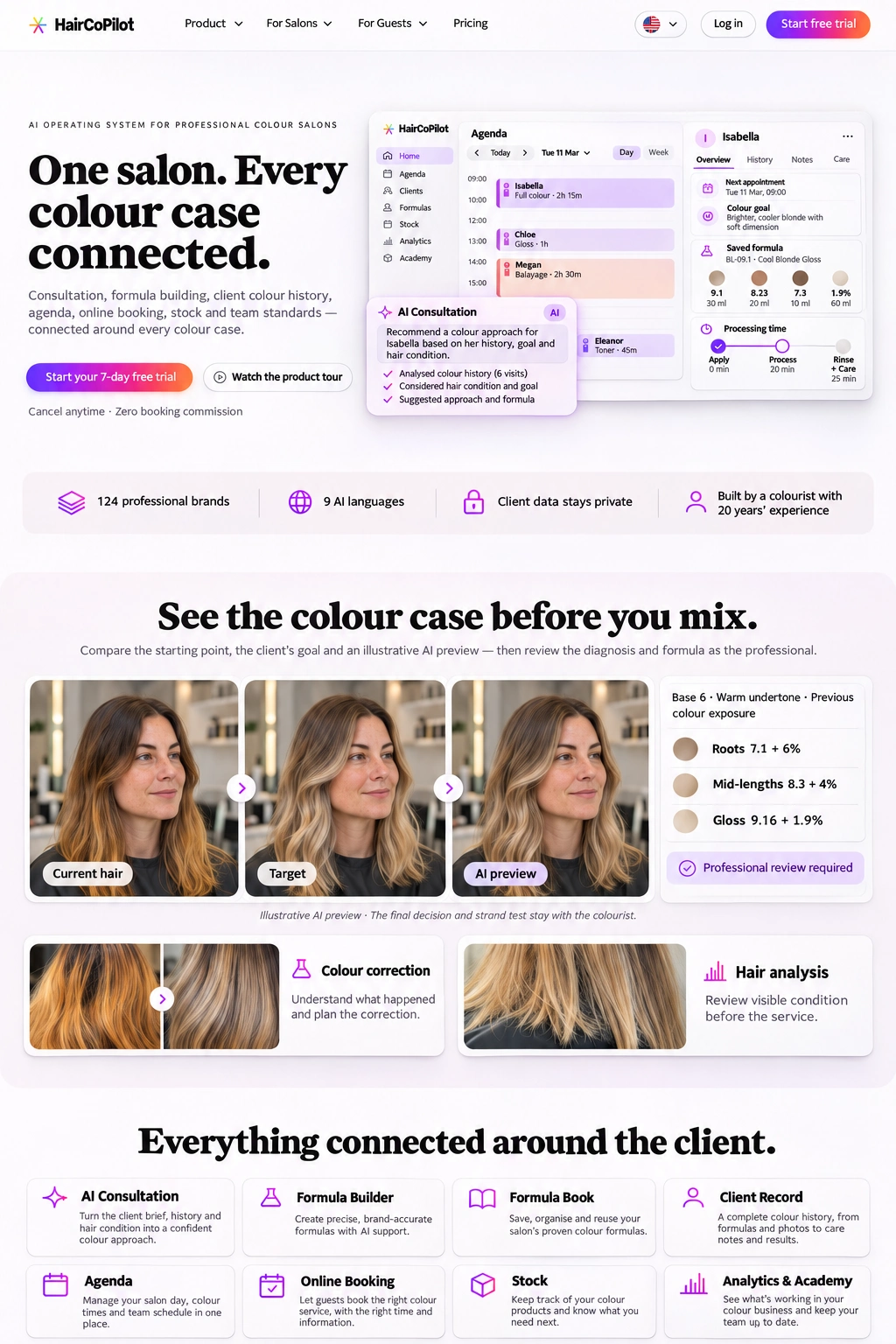
Colour correction
Understand what happened and plan the correction.
Bring consultations, colour formulas, client history and appointments into one connected salon workflow.
7-day PROFESSIONAL Preview · No credit card required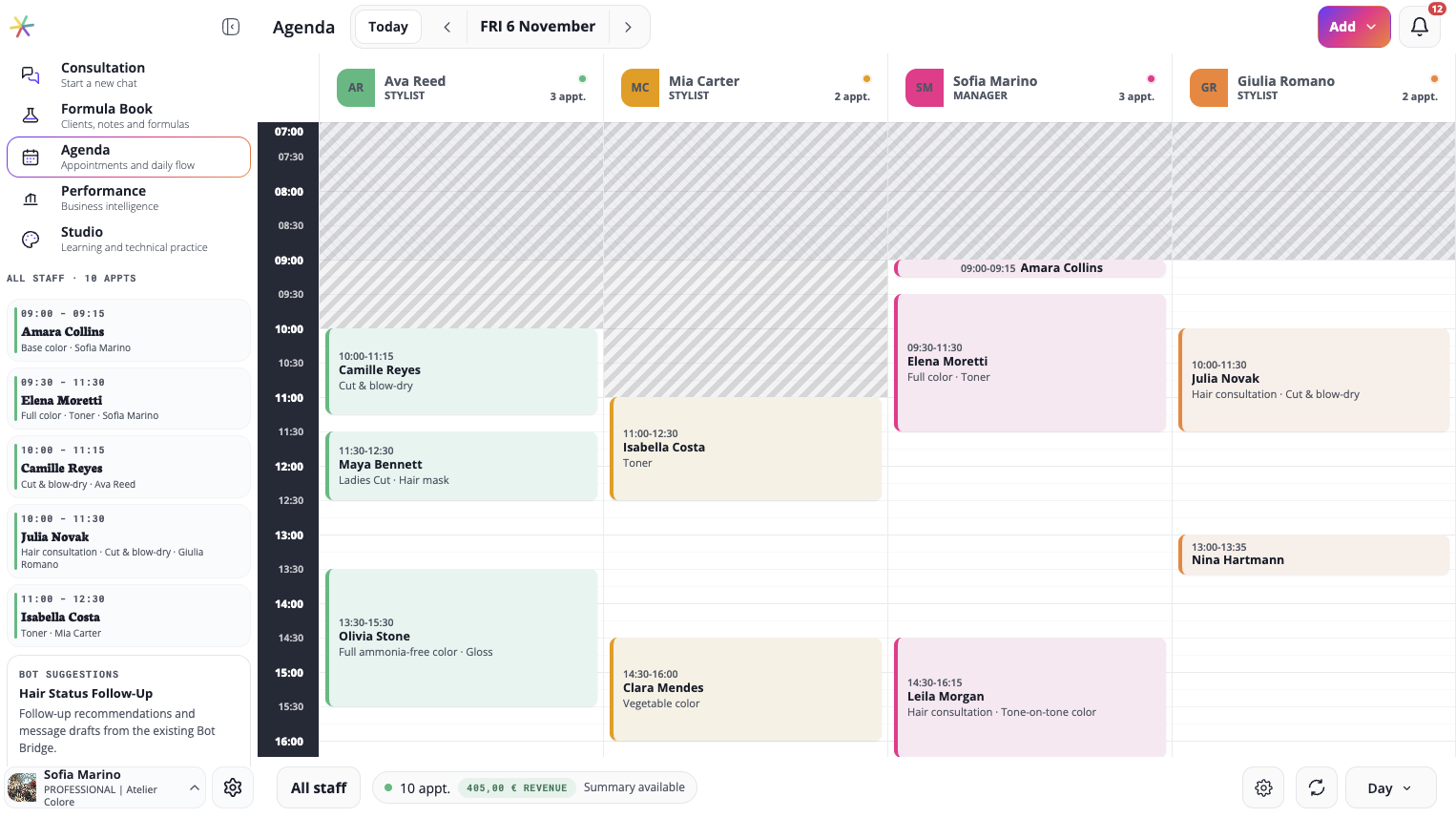
Compare the starting point, the client’s goal and an illustrative AI preview — then review the diagnosis and formula as the professional.
Illustrative AI preview · The final decision and strand test stay with the colourist.
Understand what happened and plan the correction.
Review visible condition before the service.
Turn the client’s photos, history and goal into a structured consultation, a brand-accurate formula and a client record — with the colourist always in control.
7-day PROFESSIONAL Preview · No credit card required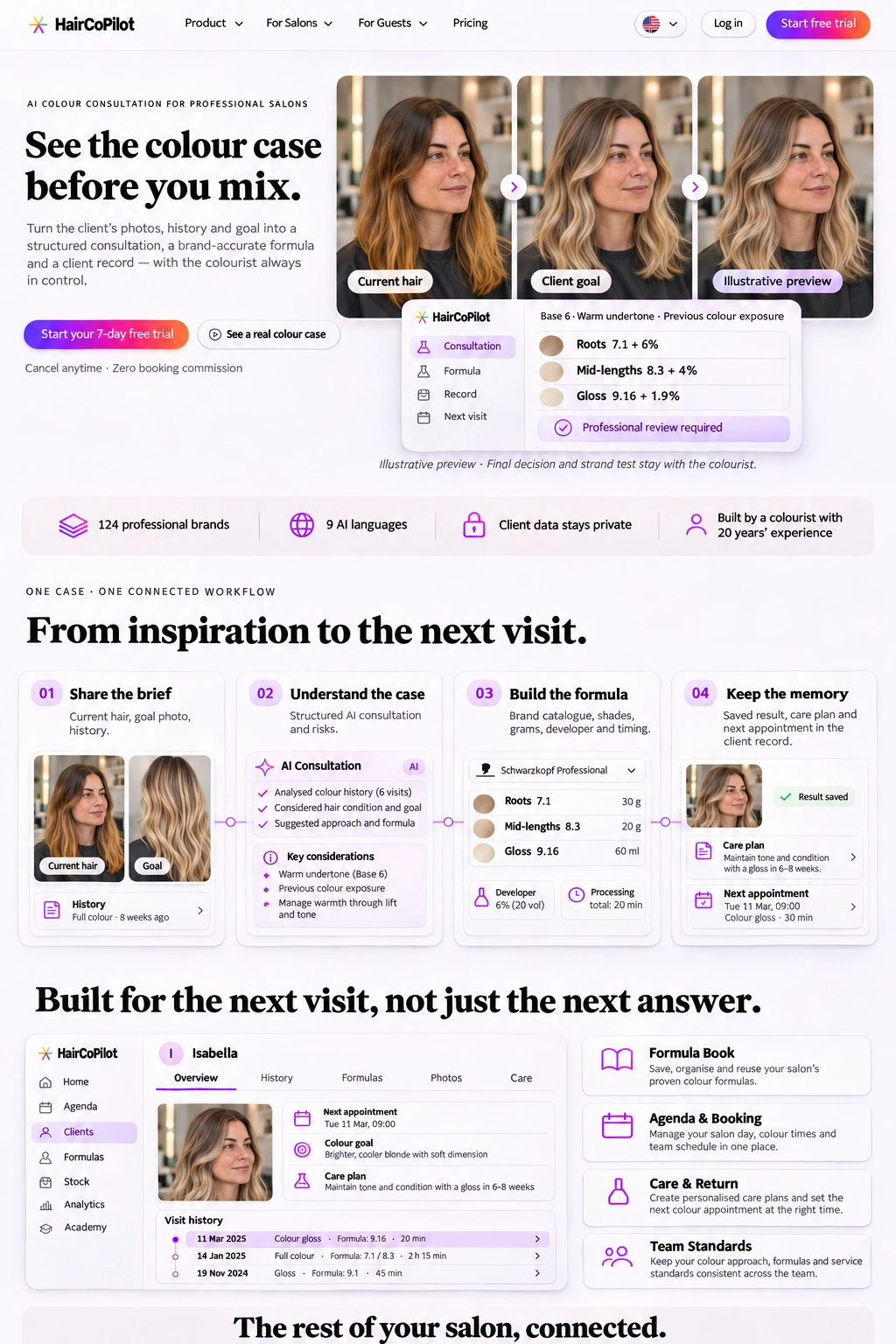
Demonstration: current hair, target colour and AI preview. Final decision and strand test stay with the colourist.
Current hair, goal photo, history.
Structured AI consultation and risks.
Brand catalogue, shades, grams, developer and timing.
Saved formula, care notes and next appointment in the client record.
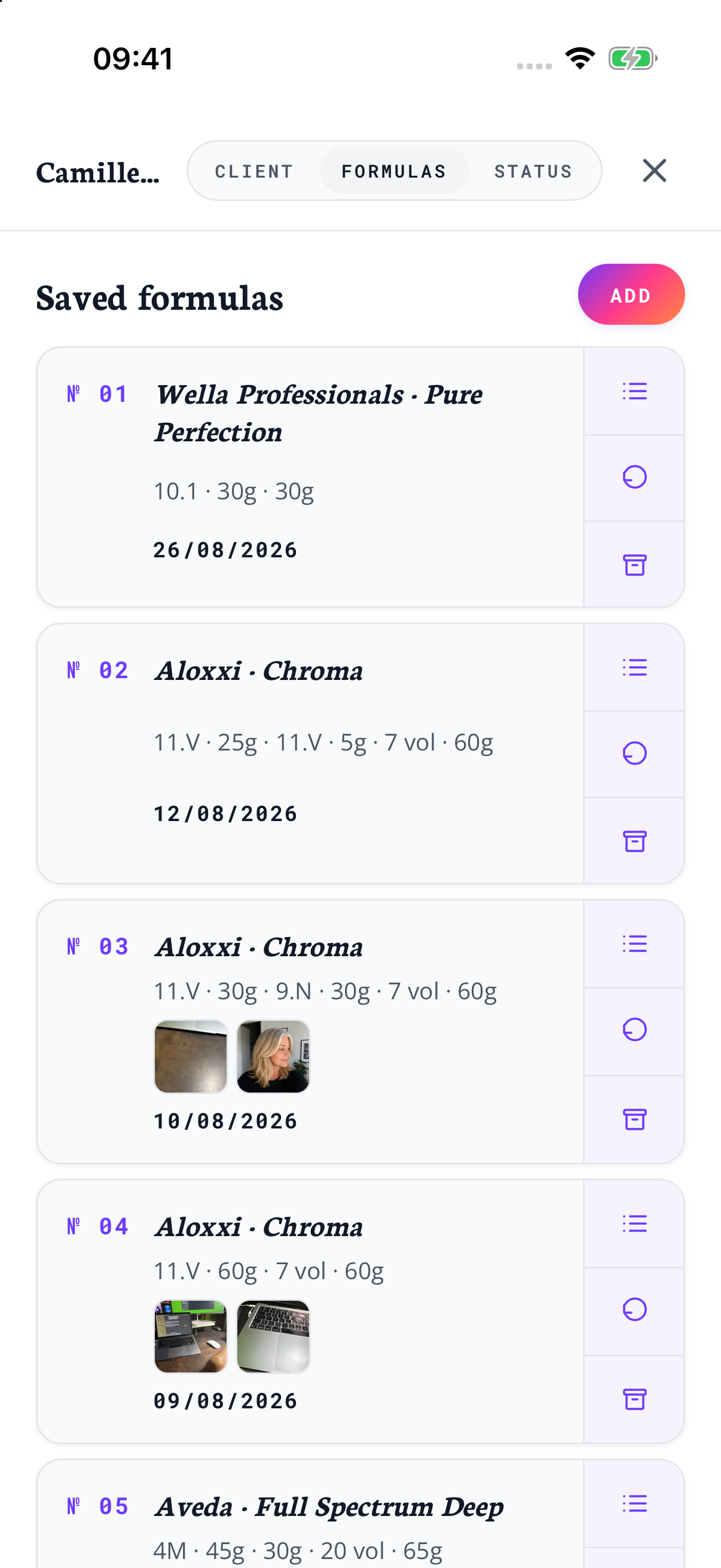
Save, organise and reuse your salon’s proven colour formulas.
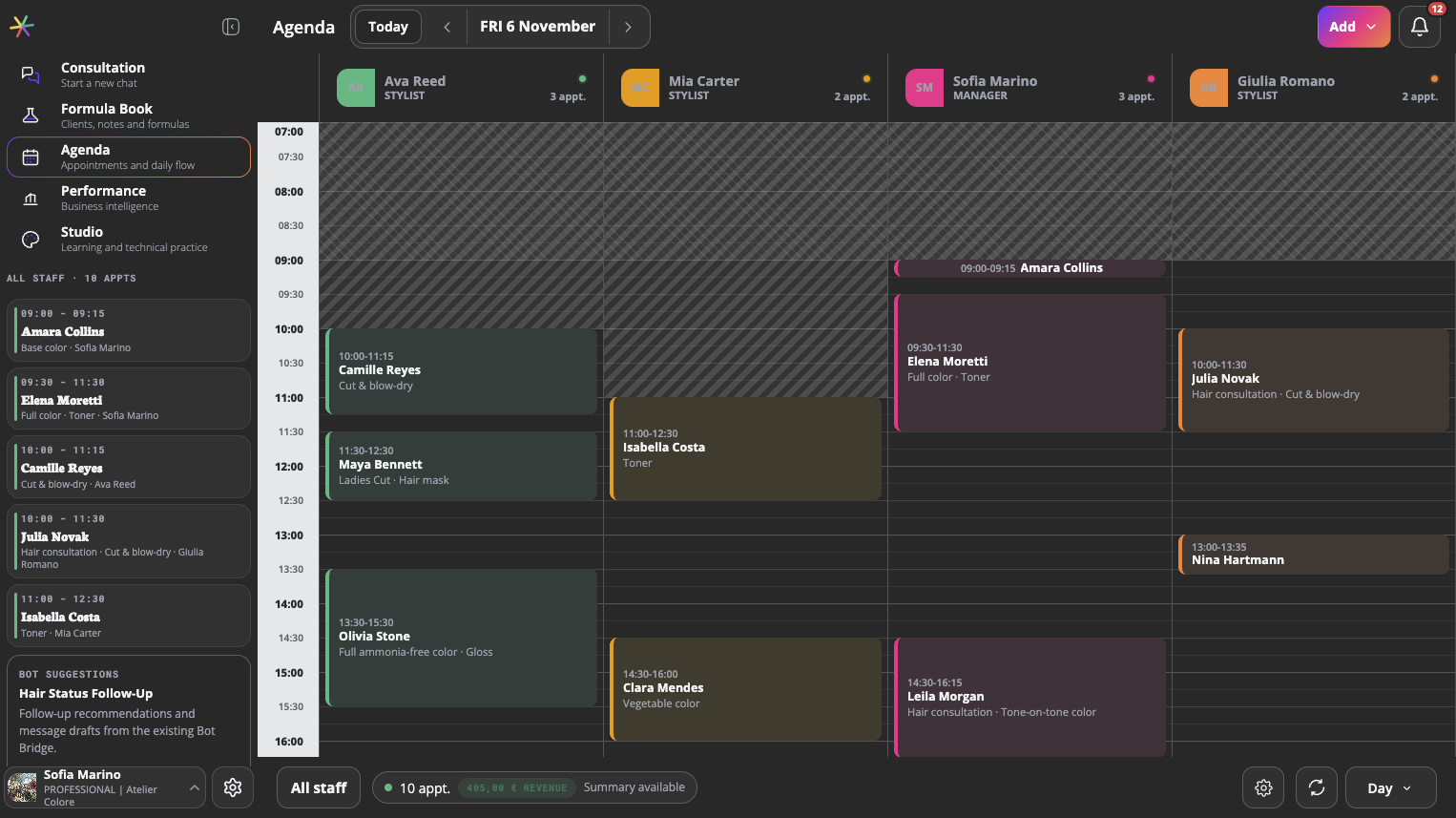
Manage appointments, colour service times and team schedules, with online booking connected to your salon day.
Create personalised care plans and set the next colour appointment at the right time.
Keep your colour approach, formulas and service standards consistent across the team.
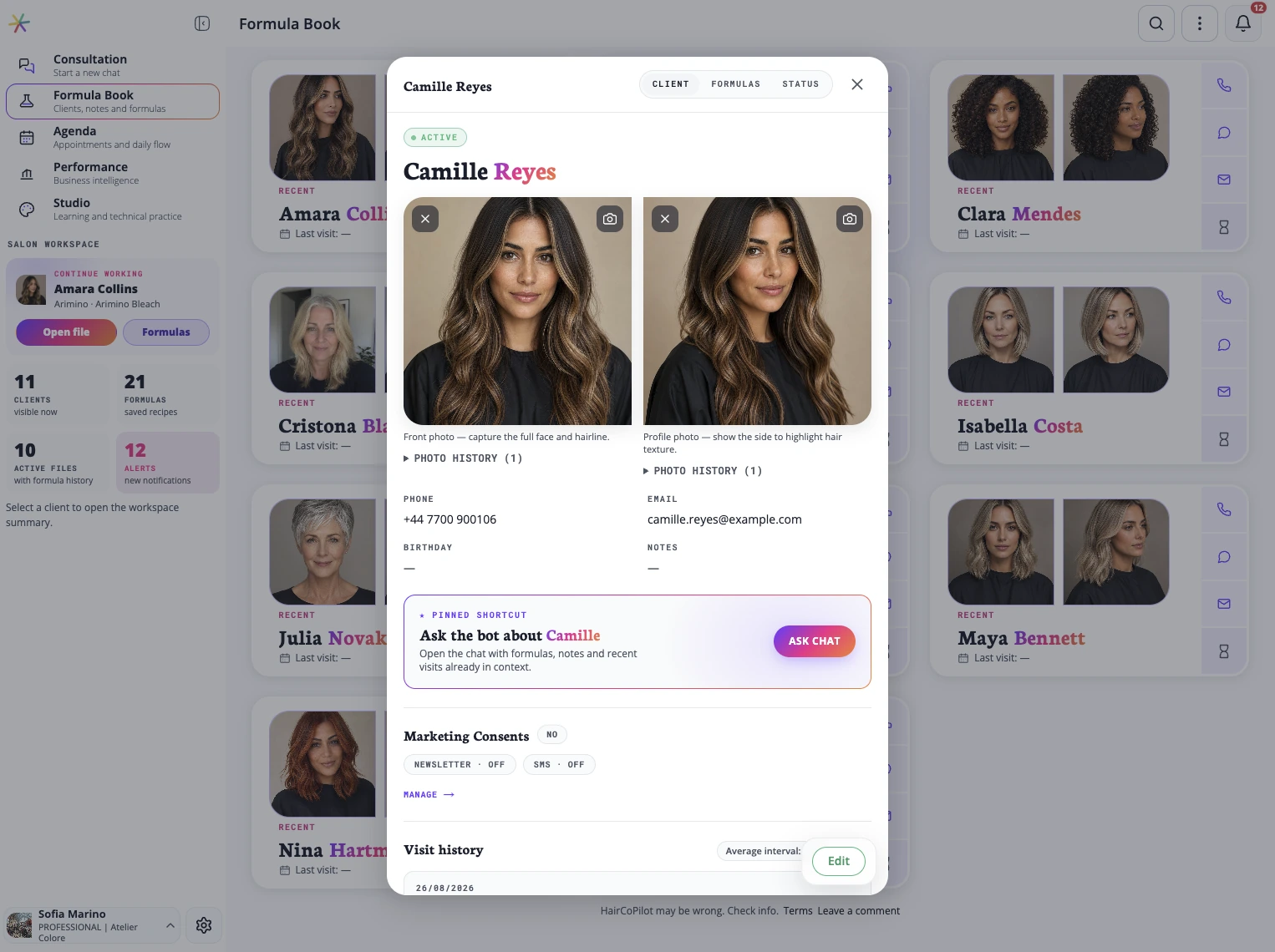
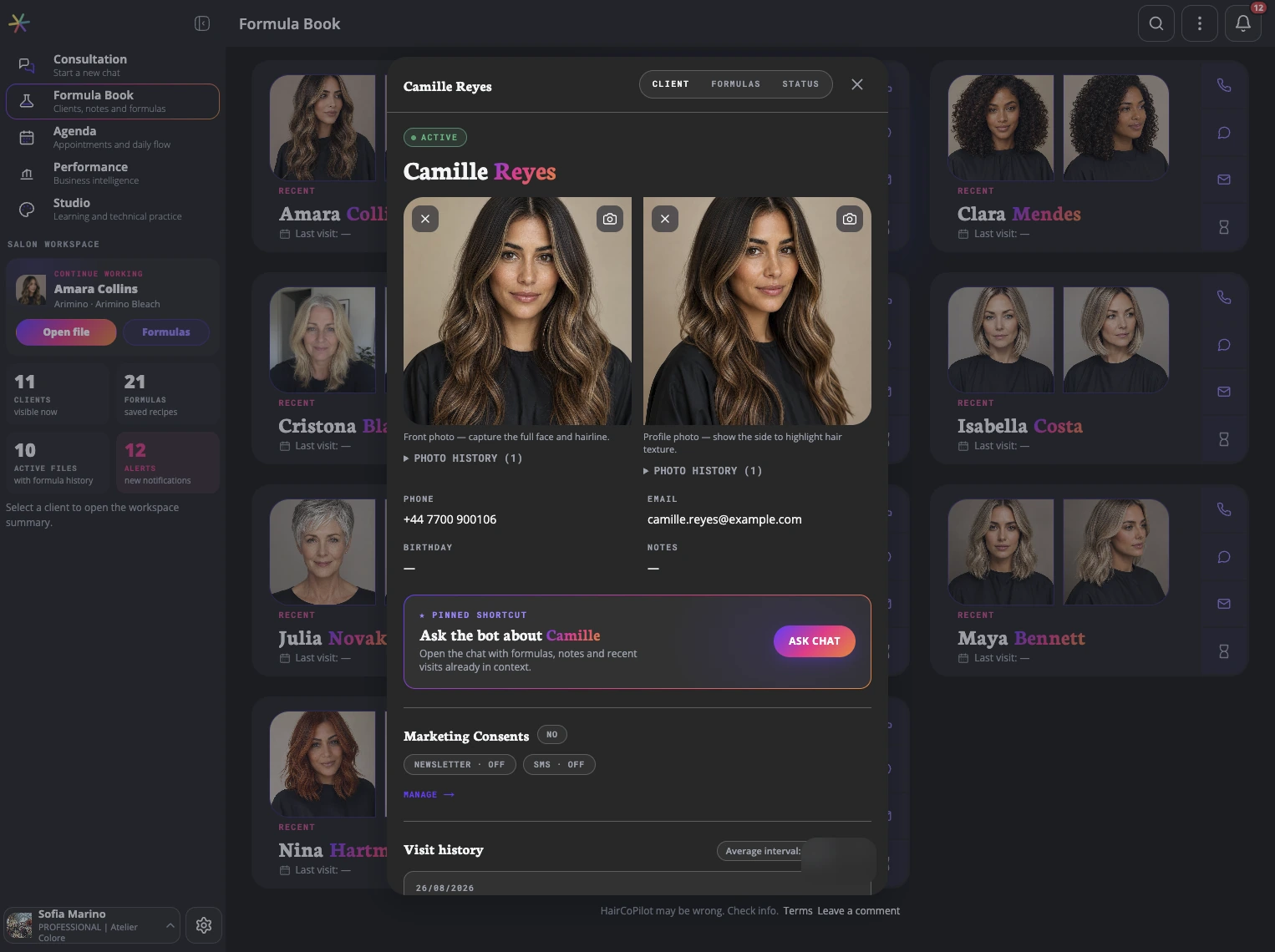
Client details, consultations and saved formulas give the team context for each appointment.
Turn the client brief, history and hair condition into a confident colour approach.
Build and review formulas with your chosen colour lines.
Save, organise and reuse your salon’s proven colour formulas.
A complete colour history, from formulas and photos to care notes and results.
Manage your salon day, colour times and team schedule in one place.
Let guests book the right colour service, with the right time and information.
Keep track of your colour products and know what you need next.
See what’s working in your colour business and keep your team up to date.
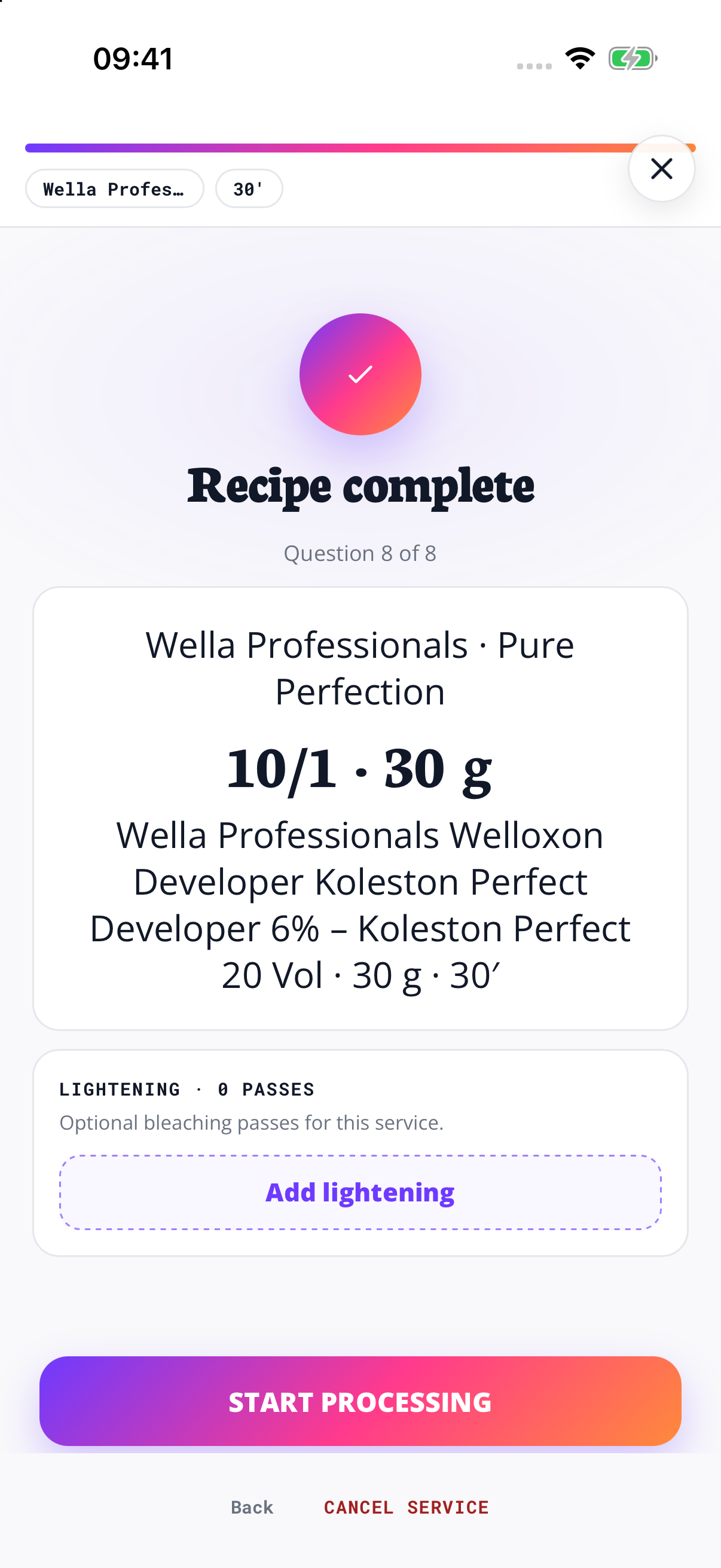
See the steps in HairCoPilot, using Wella Pure Perfection as an example.Follow the case into Formula Builder, using Wella Pure Perfection as a real product example.
Choose Wella Professionals, then Pure Perfection.
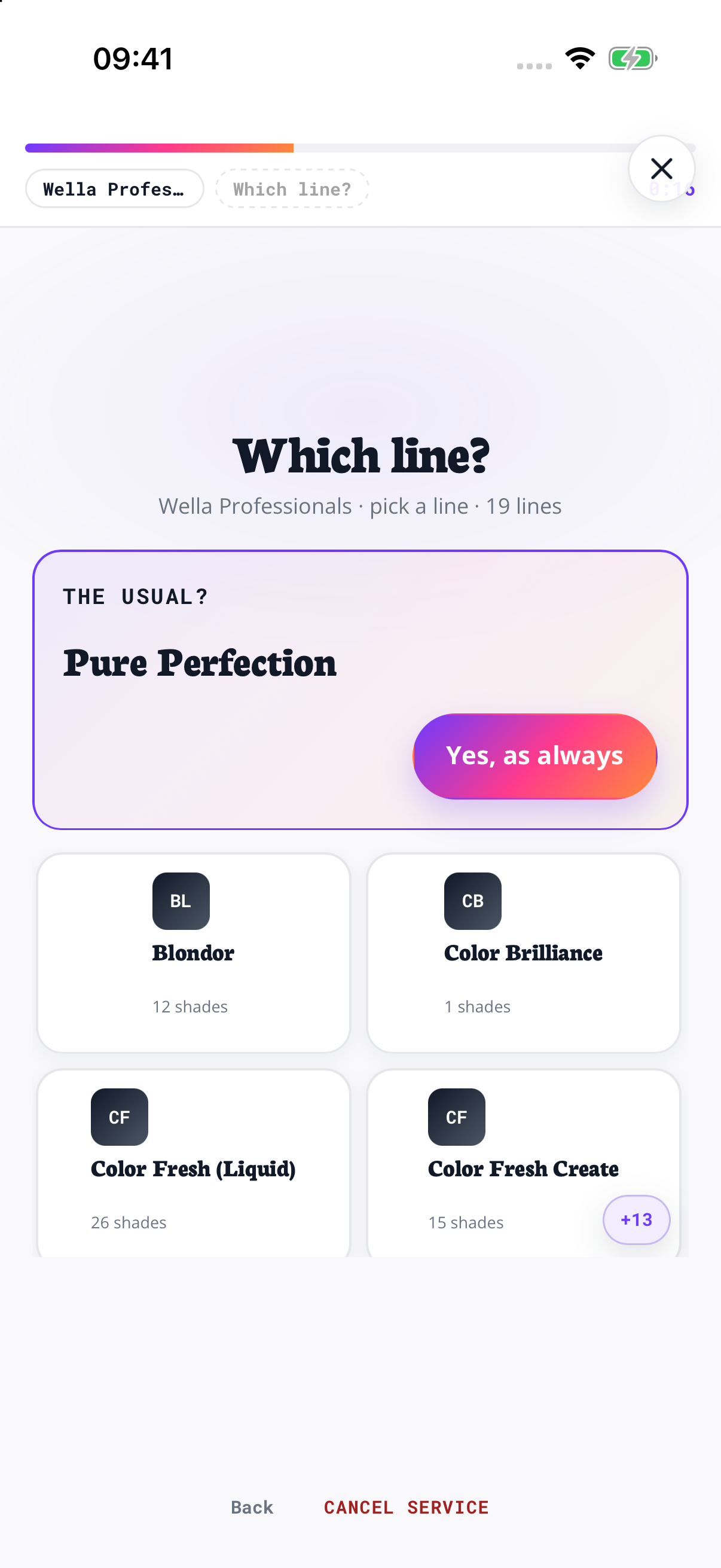
Browse the shade codes and swatches in the catalogue.

Review the colour, developer and processing time together.
The formula stays in the client record, ready to reopen when you continue the service.
Keep each client’s consultation, formula, appointment notes and recorded result together. At the next visit, review that history before planning the next service.Keep the consultation, formula, recorded result and care notes with the client. Review that history when planning the next visit.
Your salon standard should not live in screenshots, notebooks or memory.The result is not the end of the case. It becomes the start of the next visit.
Review the client’s history, hair condition and chosen products together before you decide on the colour approach.From photos and history to risks, shades, developer and timing, the colourist can review the reasoning before making the final decision.
You stay the decision-maker. HairCoPilot organises the case, reasons with you and remembers for the whole team.The professional remains in control. HairCoPilot makes the technical path visible and keeps it with the client record.
“Isabella wants to go a bit lighter for summer — here are her photos and history.”
| Roots | 7.1 + 6% · 1:1 · 35 min |
| Mid-lengths | Assess history and strand-test before lightening; choose toner for the achieved level. |
| Gloss | Choose after the strand test |
Saved to Isabella's FormulaBook
Ready for the next visit — and the whole team.AI Consultation and Formula Builder
FormulaBook and the client profile
Prepare appointments and coordinate the team in Workspace.
Review technical knowledge and develop team learning in Studio.
Previous formula, care prompts, preparation notes and next appointment timing, connected to the same technical history.
See Workspace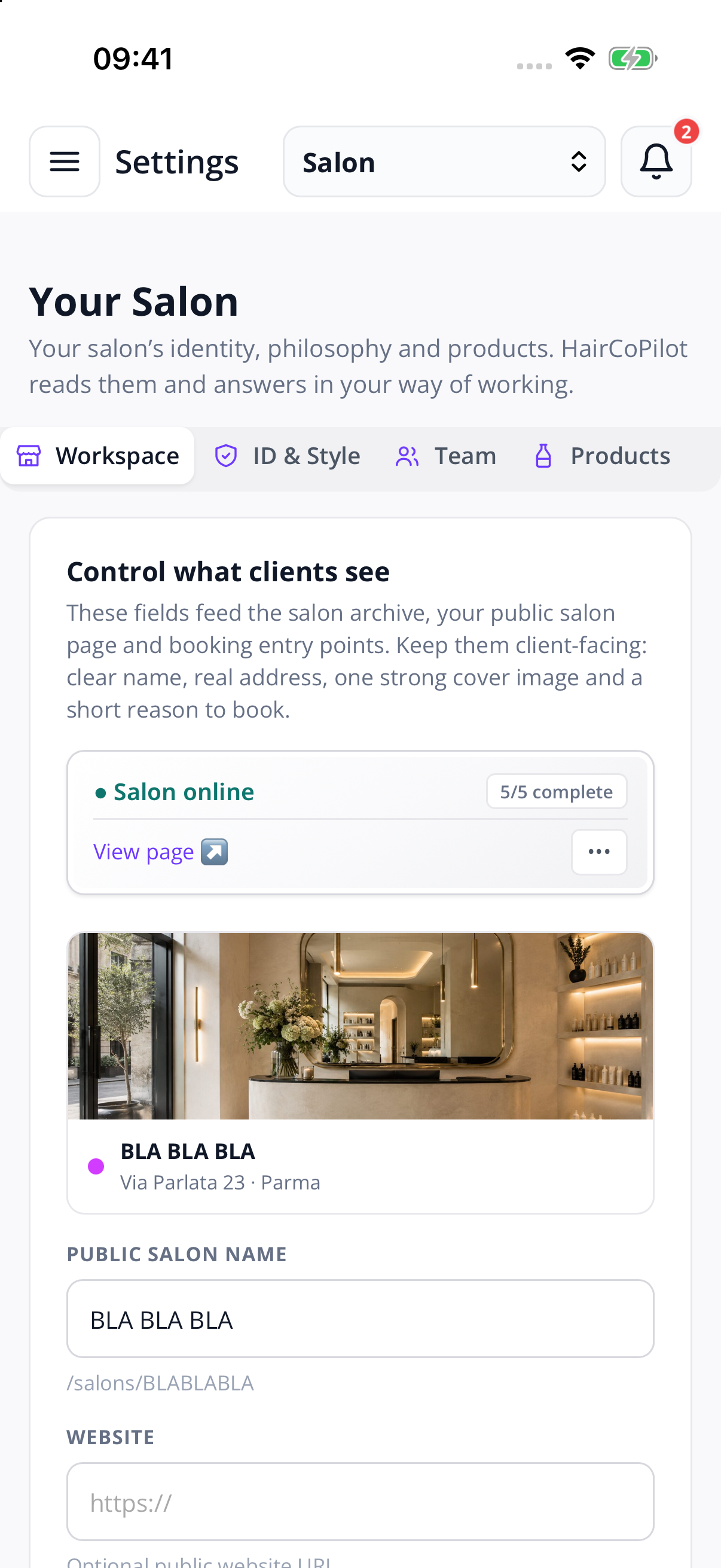
Studio turns real salon work into repeatable team standards.
See Studio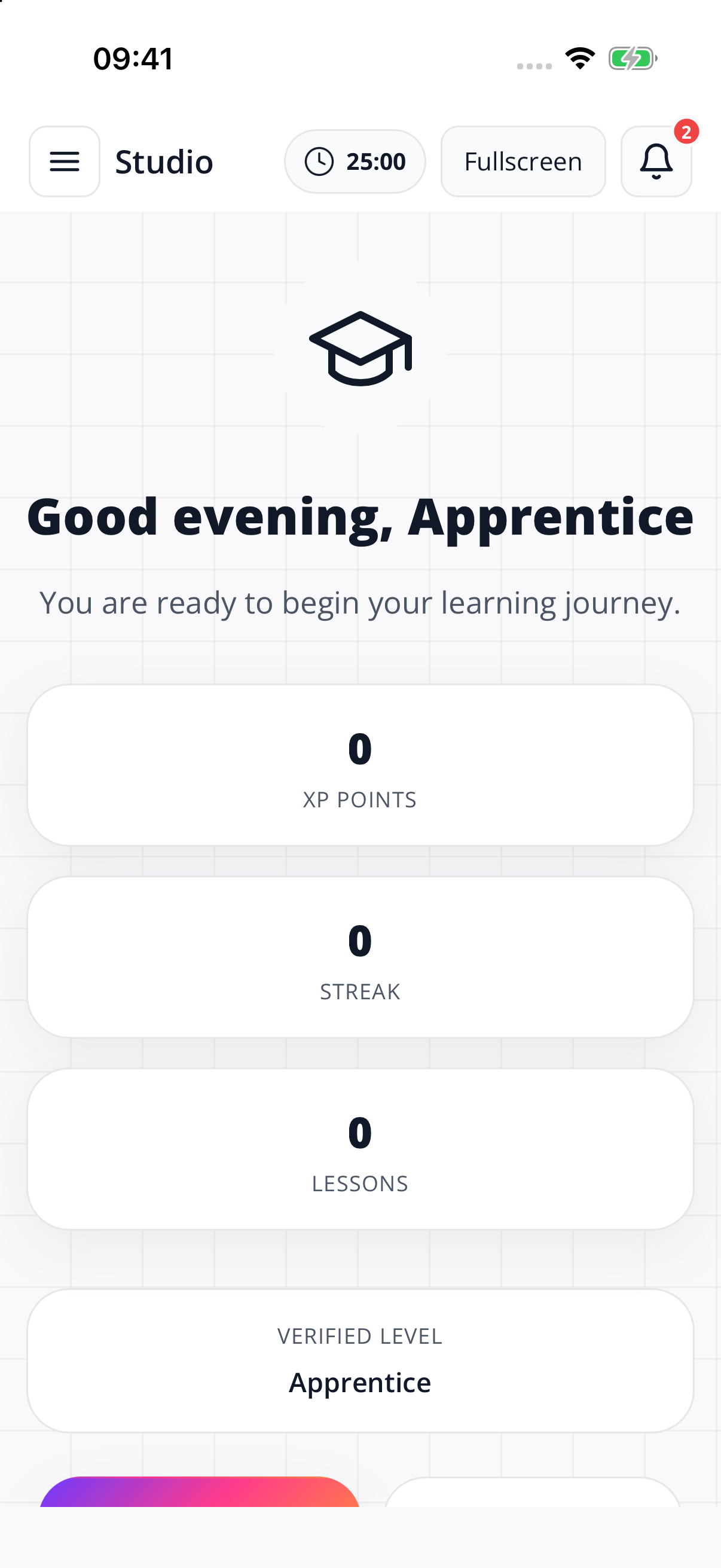
Choose from supported brands, colour lines and shades, then use them in your formulas. Keep working with the products your salon already uses.Choose your brand and colour line, then review shades, quantities, developer and processing time. Build with the products already in your salon.


60 g of 7/0 + 30 g of 8.3 + 90 g of 20 vol…
Guests share goals, photos, history, condition and expectations before the visit. The salon receives a cleaner brief.The guest shares the goal, current hair, photos and history while booking. The colourist opens the appointment with a structured brief already attached.
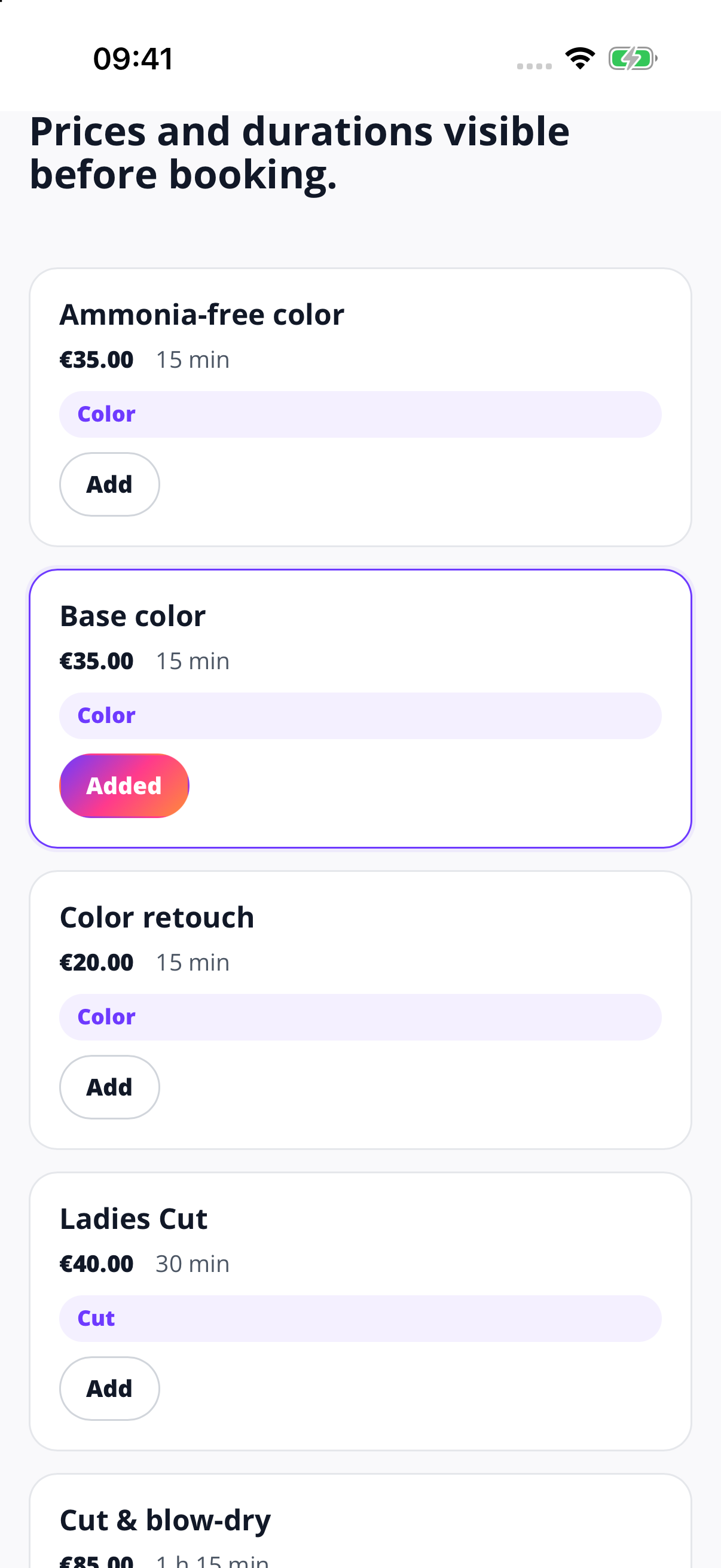
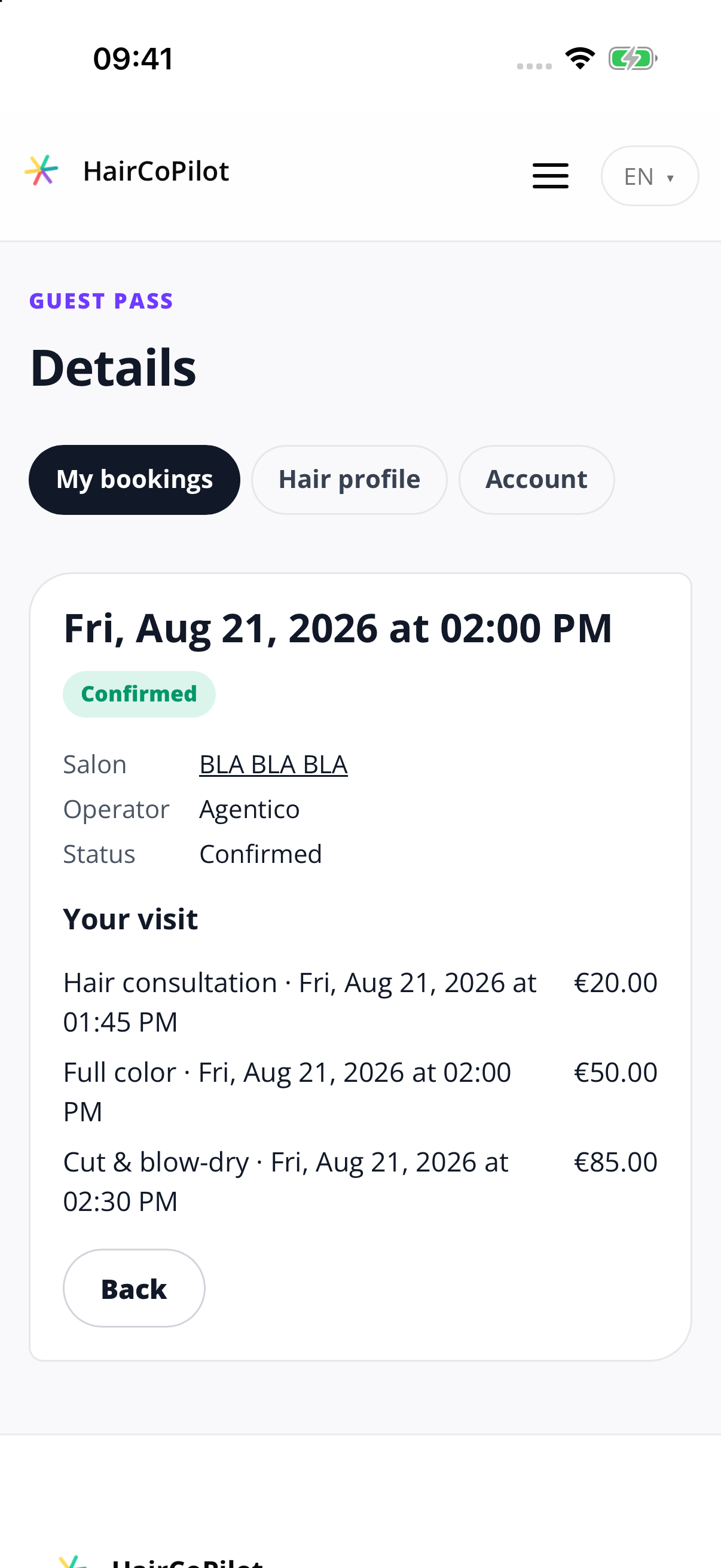
By the time the client sits down, the case has already started.The first consultation step happens before the appointment.
Online booking. Zero HairCoPilot commission. Connected to your salon agenda.
Client data stays with the salon. HairCoPilot does not use private user or client content to train models.
No. It organises the case, provides structured support and keeps the technical history connected. Final diagnosis, feasibility and formula remain professional decisions.
HairCoPilot combines professional product knowledge, structured consultation flows and the client history you provide. Review its suggestions, then save the formula and notes you want to keep with the client.
HairCoPilot does not use private user or client content to train models. Provider processing and retention are explained in our Privacy Policy.
No. HairCoPilot works for solo colourists and salon teams. Choose a plan for the features and team access you need.
Yes. HairCoPilot includes a connected agenda and guest booking, so the appointment can arrive with useful colour context instead of a name and time only.
HairCoPilot currently maps 124 professional brands across colour, technical products and hair care. Coverage can be explored on the Brands & Lines page.
No card is required and your Preview does not renew automatically. Afterwards, continue on FREE forever or choose a paid plan.
Continue on FREE forever after your Preview. Upgrade whenever you choose.
7-day PROFESSIONAL Preview · No credit card required
